PORSCHE PLAY Deposit via GCash: Limits, Fees, and Failed Transaction Fixes
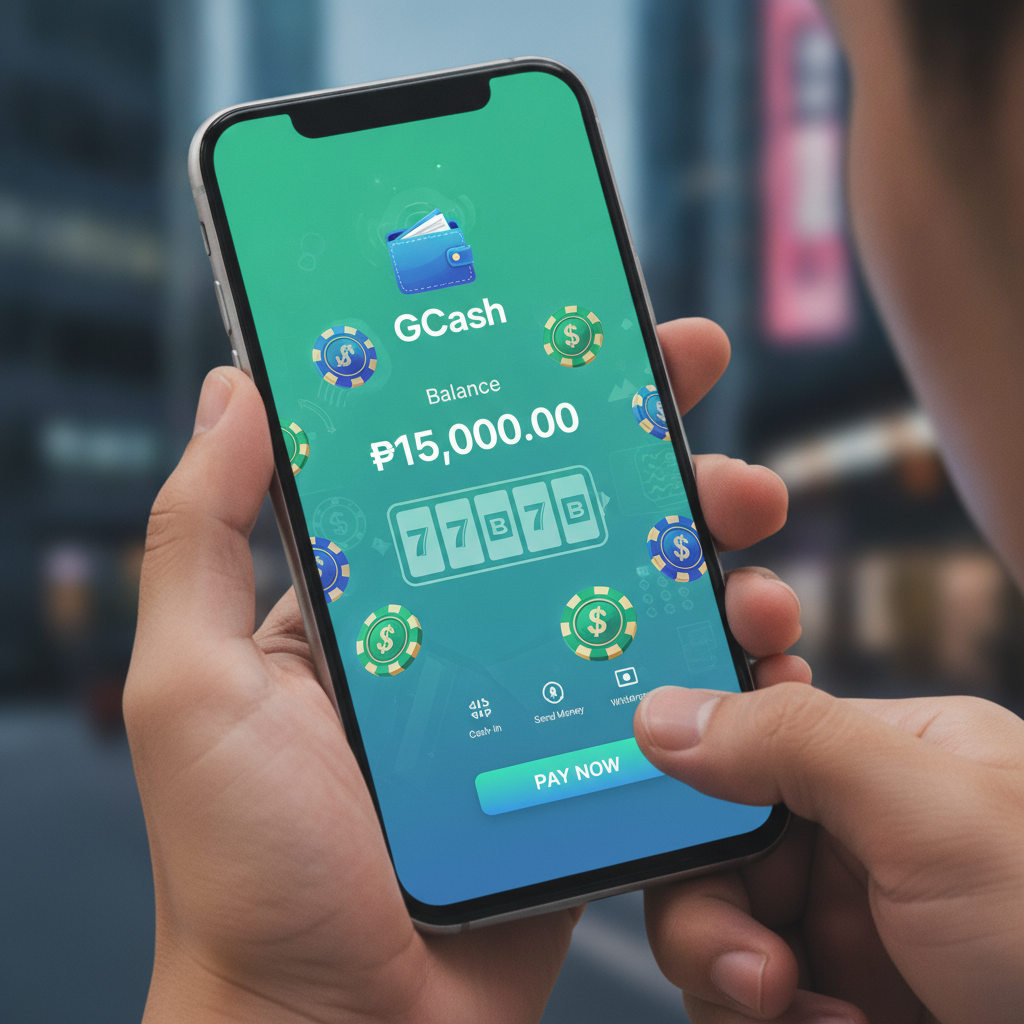
How to top up your PORSCHE PLAY account using GCash
GCash is one of the most popular e-wallet options for funding a PORSCHE PLAY account. The process takes a few minutes once you know the steps.
Log in to your PORSCHE PLAY account on your mobile browser or app. Look for the Deposit or Cashier button—usually visible on the home screen or in the account menu. Tap it to open the deposit page.
Select GCash from the list of payment methods. You may see other e-wallets like Maya and bank transfer options; choose GCash if that's what you want to use.
Enter the amount you want to deposit in Philippine pesos. Most players start with PHP 100 to PHP 500. Check the minimum and maximum allowed—these limits are covered in the next section.
Confirm the amount and tap Proceed or Submit. PORSCHE PLAY will generate a payment request and redirect you to the GCash payment gateway or show a QR code, depending on how the platform integrates GCash at that moment.
If you see a QR code, open your GCash app, tap Scan QR, and point your camera at the code on screen. The payment details will auto-fill. Review the amount and merchant name, then enter your GCash MPIN to authorize.
If you're redirected to a GCash web page or in-app browser, log in with your mobile number and MPIN. Confirm the transaction details and approve the payment.
Once approved, GCash will deduct the amount from your wallet balance. You should see a confirmation message from GCash and a notification from PORSCHE PLAY that your deposit is being processed.
In most cases, the funds appear in your PORSCHE PLAY balance within one to five minutes. You can check your balance by refreshing the app or logging out and back in.
Do not close the browser or app immediately after tapping confirm. Wait for the success message to ensure the transaction completes. If you exit too early, the deposit may be recorded as incomplete and take longer to reconcile.
GCash deposit limits and processing fees
PORSCHE PLAY sets its own deposit range, which may differ from GCash's internal transfer limits. At the time of writing, the typical minimum deposit is PHP 100, though this can vary depending on the payment method and any active promotions.
Maximum single deposits via GCash usually fall between PHP 10,000 and PHP 50,000. The exact cap depends on your PORSCHE PLAY account status and any internal risk controls the platform applies. Verified accounts often enjoy higher limits than newly registered ones.
GCash itself has daily and monthly sending limits tied to your verification level. Fully verified GCash users can send up to PHP 100,000 per month, while partially verified accounts face tighter restrictions. If you hit your GCash limit, you won't be able to complete the deposit until the next cycle resets or you upgrade your verification tier.
Processing fees are another consideration. PORSCHE PLAY does not usually charge a deposit fee for GCash transactions, meaning the amount you enter is the amount deducted from your e-wallet and credited to your casino balance.
However, GCash may apply a convenience fee for certain types of transactions, especially cash-in methods or merchant payments. This fee is deducted by GCash, not PORSCHE PLAY. In practice, most direct GCash-to-merchant transfers do not incur a fee, but it's worth checking your GCash transaction history after the deposit to confirm.
If you're topping up your GCash wallet before depositing—say, via 7-Eleven or a bank transfer—those cash-in channels may carry their own fees. Factor those into your budget if you're starting with an empty GCash balance.
PORSCHE PLAY deposits via GCash are typically instant, meaning funds arrive in under five minutes. Occasionally, network congestion or maintenance on either platform can delay processing. If your deposit hasn't appeared after 15 minutes, follow the troubleshooting steps below.
Troubleshooting declined or stuck GCash deposits
Sometimes a GCash deposit fails or gets stuck in pending status. Here are the most common reasons and how to fix them.
Insufficient GCash balance. If your wallet doesn't have enough to cover the deposit amount, the transaction will be declined immediately. Check your GCash app to confirm your available balance. If it's too low, cash in first, then try the deposit again.
Incorrect MPIN or authentication failure. Entering the wrong MPIN three times in a row may temporarily lock your GCash account. If you see an error about authentication, reset your MPIN through the GCash app or contact GCash support.
Exceeded daily or monthly GCash limit. Fully verified GCash accounts can send up to PHP 100,000 per month. If you've already sent that amount to other merchants, your deposit to PORSCHE PLAY will be declined. Wait for your limit to reset or request a limit increase through GCash customer service.
Network timeout during payment. Mobile internet interruptions can cause the transaction to hang. If you see a spinning loader for more than two minutes, close the browser tab or app, then check both your GCash transaction history and your PORSCHE PLAY balance. If GCash shows "failed," retry the deposit. If GCash shows "success" but PORSCHE PLAY hasn't credited you, see the next section.
Maintenance or downtime. GCash and PORSCHE PLAY occasionally perform system updates. If you see a message about scheduled maintenance, wait until the window ends and try again.
Blocked or flagged account. In rare cases, GCash may flag a transaction as suspicious, especially if you're sending to a new merchant for the first time or if your account activity looks unusual. Contact GCash support through the app chat to confirm your account status.
If a deposit attempt fails, do not submit the same transaction multiple times in quick succession. This can create duplicate pending requests that complicate reconciliation. Instead, wait a few minutes and check both apps before retrying.
What to do if money left GCash but didn't reach PORSCHE PLAY
This is the most frustrating scenario: your GCash balance is debited, you see a successful transaction in your GCash history, but your PORSCHE PLAY account balance hasn't updated.
First, wait 15 to 30 minutes. Even though GCash deposits are advertised as instant, backend reconciliation between GCash and PORSCHE PLAY can sometimes take longer, especially during peak hours or if there's a minor technical hiccup.
Refresh your PORSCHE PLAY app or log out and log back in. Sometimes the balance display lags behind the actual transaction record.
Check your transaction history or deposit history page inside PORSCHE PLAY. Look for a pending or completed entry matching the amount and timestamp of your GCash payment. If you see "pending," the platform has received the request and is processing it. If you see "completed," the funds should appear in your balance immediately.
If the transaction doesn't appear in PORSCHE PLAY's records after 30 minutes, gather your proof of payment. Take a screenshot of the GCash transaction confirmation showing the reference number, amount, date, time, and merchant name. Make sure your GCash registered mobile number or account name is visible if relevant.
Contact PORSCHE PLAY customer support. Most platforms offer live chat through the website or app, along with email and sometimes Viber or Telegram channels. Provide your PORSCHE PLAY username, the deposit amount, the GCash reference number, and the screenshot. Explain that GCash debited your wallet but the funds haven't arrived.
Support teams typically respond within a few hours. They will check the payment gateway logs and match your GCash reference number to their deposit records. If the transaction is confirmed on the backend, they'll manually credit your account.
In cases where the payment gateway didn't relay the transaction to PORSCHE PLAY, the support team may escalate to the payment processor. This can take one to three business days to resolve, but your funds will either be credited to your casino balance or refunded to your GCash wallet.
Do not deposit again until you've confirmed what happened to the first transaction. Sending a second payment while the first is still pending can create confusion and slow down resolution.
Keep records of all communication with support. If the issue takes longer than expected, having a clear timeline and reference numbers will help you follow up effectively.
21+ only, responsible gambling reminder
PORSCHE PLAY is intended for players aged 21 and over only. Online gambling should be a form of entertainment, not a way to make money or solve financial problems.
Set a budget before you deposit and stick to it. Only fund your account with money you can afford to lose. If you find yourself chasing losses, depositing more than planned, or feeling anxious about your play, take a break.
Most platforms, including PORSCHE PLAY, offer tools like deposit limits, session reminders, and self-exclusion options. Use them if you need help managing your activity.
If you or someone you know is struggling with problem gambling, reach out to local support services or international helplines for confidential assistance. Gambling should never interfere with your health, relationships, or responsibilities.