PORSCHE PLAY GCash Withdrawal: Step-by-Step Guide and Common Issues
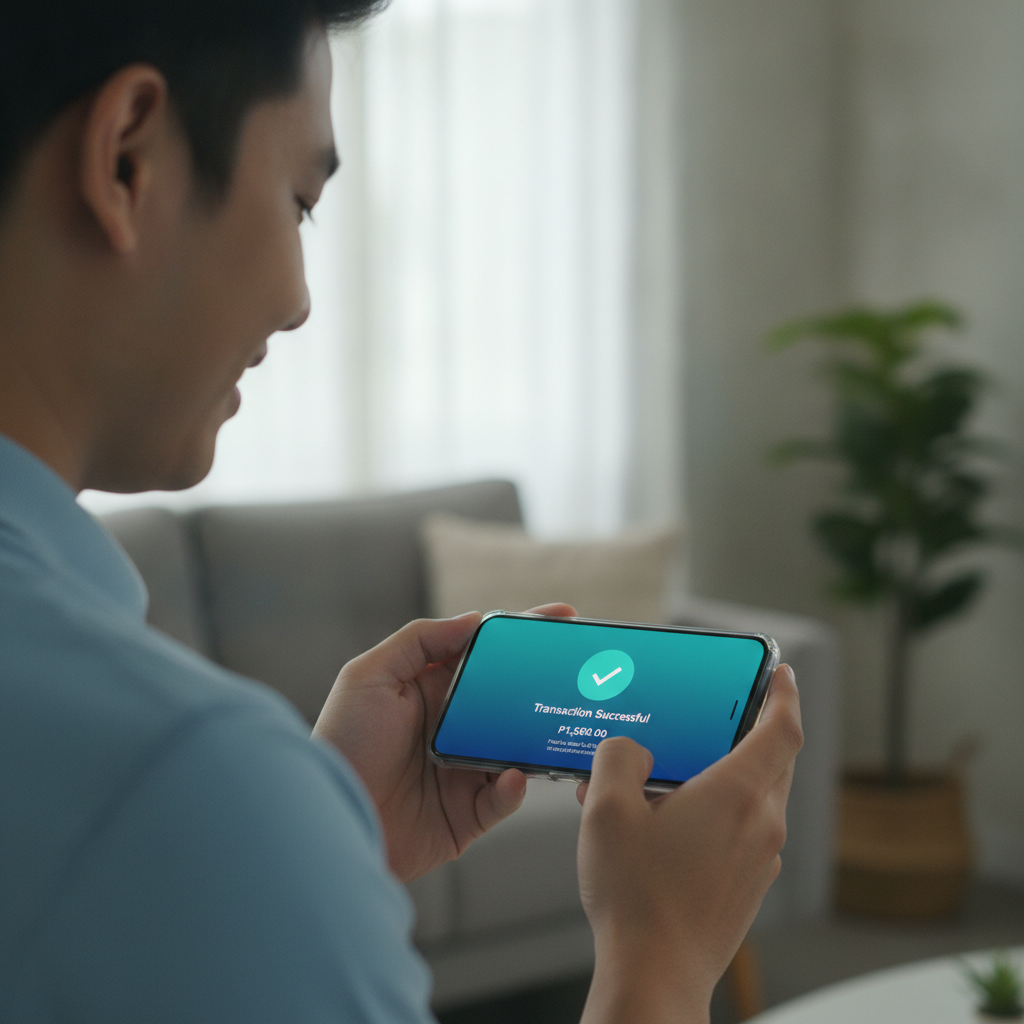
How to Request a GCash Cashout from Your PORSCHE PLAY Account
PORSCHE PLAY offers GCash as one of the fastest withdrawal methods for Filipino players. Before starting, make sure your GCash account is registered under the same name as your PORSCHE PLAY account. Mismatched names are a common reason for declined withdrawals.
Log into your PORSCHE PLAY account on your phone or browser. Navigate to the cashier or wallet section—usually found in the main menu or account dashboard. Select "Withdraw" or "Cash Out."
Choose GCash from the list of available withdrawal methods. You'll be asked to enter the exact amount you want to withdraw in pesos. Keep in mind the minimum and maximum limits, which are covered in the next section.
Enter your registered GCash mobile number. Double-check that the number matches the one tied to your verified GCash wallet. Even one wrong digit will cause the transaction to fail.
Some players may need to complete a verification step at this stage. PORSCHE PLAY may ask for a one-time password (OTP) sent to your mobile number or email. Enter the code exactly as received.
Once you confirm the withdrawal, PORSCHE PLAY will process the request. You'll typically see a confirmation message on screen and receive an email or SMS notification. The transaction will show as "pending" in your PORSCHE PLAY transaction history until it's approved.
GCash Withdrawal Limits and Fees
PORSCHE PLAY sets minimum and maximum withdrawal amounts for GCash transactions. While exact figures can change, typical minimums range from PHP 100 to PHP 300 per transaction. Maximum single withdrawals are often capped at PHP 50,000, though this can vary based on your account status or VIP tier.
Daily and weekly withdrawal limits may also apply. Standard accounts usually have a combined weekly limit of PHP 100,000 to PHP 200,000 across all withdrawal methods. Players with higher VIP status may enjoy increased limits.
PORSCHE PLAY does not usually charge fees for GCash withdrawals, but this depends on the current terms. Always check the cashier page for any listed fees before confirming your transaction. GCash itself does not charge a fee to receive funds, so you should receive the full amount you requested.
Keep in mind that withdrawal limits do not include pending or in-progress transactions. If you have a withdrawal already being processed, you may need to wait until it completes before requesting another large cashout.
Troubleshooting Failed GCash Withdrawals: Wrong Number, Verification Errors
Wrong Mobile Number
The most common issue is entering an incorrect GCash mobile number. If the number you provide doesn't match a registered GCash account, the transaction will be rejected. PORSCHE PLAY will typically return the funds to your casino balance within a few hours.
To avoid this, save your correct GCash number in your PORSCHE PLAY profile if the platform allows it. Always copy and paste or use autofill to reduce typos. If you recently changed your GCash number, update it in your PORSCHE PLAY account settings before requesting a withdrawal.
Name Mismatch
PORSCHE PLAY requires that the name on your GCash account matches the name you used during casino registration and ID verification. If there's a mismatch—such as a nickname on GCash versus your legal name on PORSCHE PLAY—the withdrawal will be declined for security reasons.
To fix this, update your GCash account to reflect your legal name, or contact PORSCHE PLAY support to confirm which name format they have on file. You may need to submit a photo of your valid ID again.
Verification Errors
If your PORSCHE PLAY account is not fully verified, withdrawals may be blocked. Verification usually requires a government-issued ID (such as a driver's license, passport, or UMID), a selfie, and sometimes proof of address.
Check your email and account notifications for any pending verification requests. Upload clear, readable photos. Blurry or cropped images will cause delays. Verification can take anywhere from a few hours to 48 hours.
Insufficient Wagering
If you recently claimed a bonus or made a deposit, PORSCHE PLAY may require you to meet a minimum wagering requirement before allowing a withdrawal. This is standard across most online casinos in the Philippines. Check your bonus terms or contact support to confirm how much more you need to wager.
Technical Errors
Occasionally, a withdrawal may fail due to a temporary system issue on PORSCHE PLAY's side or within the GCash network. If you see an error message like "transaction failed" or "service unavailable," wait 15–30 minutes and try again. Clear your browser cache or restart the app if you're on mobile.
If the problem persists, reach out to PORSCHE PLAY customer support via live chat or email. Provide your transaction ID or screenshot of the error for faster troubleshooting.
How Long Before GCash Funds Appear in Your Wallet
PORSCHE PLAY typically processes GCash withdrawals within 5 minutes to 2 hours during business hours. Most players see funds in their GCash wallet within 15–30 minutes once the transaction is approved.
Processing can be slower during weekends, holidays, or peak hours when the casino's finance team is handling a high volume of requests. Late-night withdrawals submitted after business hours may not be reviewed until the next morning.
Once PORSCHE PLAY approves the withdrawal on their end, the funds are sent to GCash instantly. However, there can be rare delays on GCash's side due to system maintenance or network issues. GCash usually posts scheduled maintenance announcements on their app and social media channels.
If your withdrawal is still listed as "pending" after 24 hours, contact PORSCHE PLAY support. Provide your withdrawal reference number and the exact time you submitted the request. Support can check the status and escalate the issue if needed.
In some cases, PORSCHE PLAY may require additional verification before releasing larger withdrawals, especially if it's your first cashout or the amount is significantly higher than your usual transactions. This is a standard anti-fraud measure.
Tips for Faster and Smoother GCash Withdrawals
Complete Verification Early
Upload your ID and complete account verification as soon as you register. This prevents delays when you're ready to cash out.
Use the Same Details
Always use the same mobile number and name across PORSCHE PLAY and GCash. Consistency avoids security flags.
Withdraw During Business Hours
Submitting requests between 9 AM and 6 PM on weekdays usually results in faster approvals.
Check Your Balance
Make sure you have enough funds in your PORSCHE PLAY wallet to cover the withdrawal amount. Bonus credits or locked funds cannot be withdrawn until wagering requirements are met.
Save Your GCash Number
If PORSCHE PLAY allows you to save payment details, store your verified GCash number to avoid repeated data entry.
Monitor Your Transaction History
Keep an eye on the status updates in your PORSCHE PLAY account. If a withdrawal is rejected, the reason is often listed in the transaction details.
21+ Only and Responsible Gambling Reminder
PORSCHE PLAY is intended for players aged 21 and above. Online gambling should be a form of entertainment, not a way to make money or solve financial problems. Set a budget before you play, and never chase losses.
If you feel that gambling is becoming a problem, consider setting deposit limits in your PORSCHE PLAY account or taking a break. Resources and support are available for players who need help managing their gaming habits. Play responsibly and within your means.